How to Upgrade Windows 7, 8, or 8.1 to Windows 10 or 11 - Guide
- September 8, 2024
- List of blogs
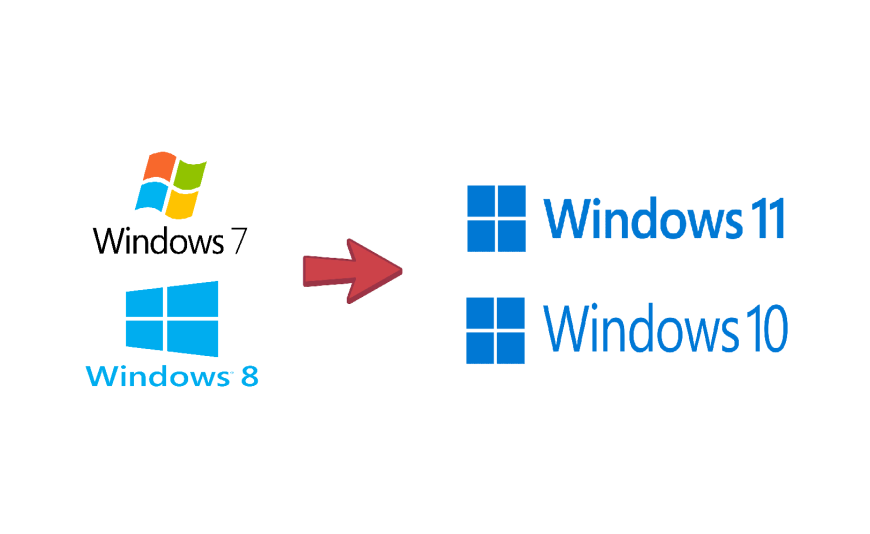
To upgrade from Windows 7, 8, or 8.1 to Windows 10 or 11, follow these instructions:
Upgrade to Windows 10:
1. Download the setup tool from this link: https://go.microsoft.com/fwlink/?LinkId=691209
2. Run the setup tool and accept the Microsoft license terms.
3. Select the "Upgrade this PC now" option.
4. Wait for the system to download and follow the remaining steps.
Upgrading to Windows 11:
(Requires an Intel 9th Gen or newer processor that supports ARM architecture)
1.Download the setup tool from this link:https://go.microsoft.com/fwlink/?linkid=2171764
2. Run the setup tool and accept the Microsoft license terms.
3. Select the "Upgrade this PC now" option.
4. Wait for the system to download and follow the remaining steps.