

What is an operating system? Everything you need to know
- Oct. 10, 2024
- List of blogs
- 0 Comments
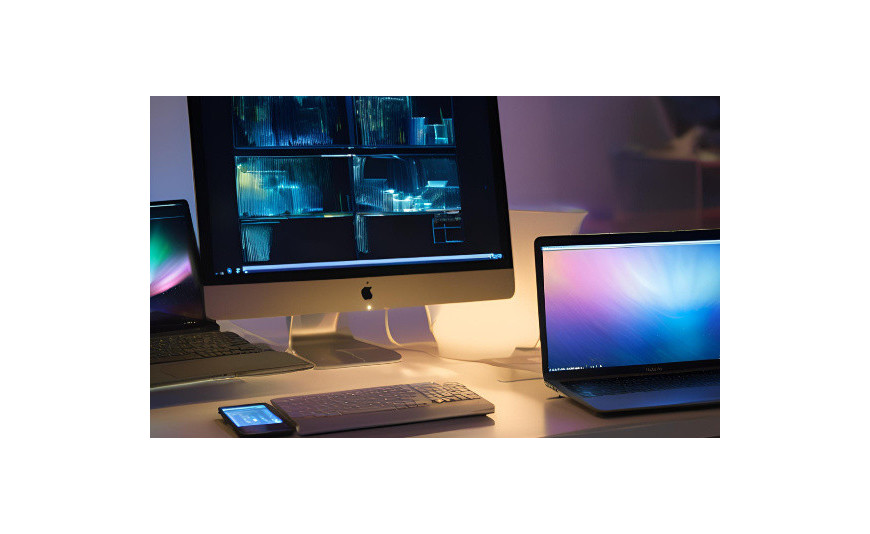
You turn on your computer, log in, and... voilà! The desktop, icons, and Start menu—these are all components of the operating system. Without it, your hardware would be useless. But what exactly is this hardware? What functions does it perform? It’s time to explain!
What is an operating system?
An operating system is software that manages a computer’s hardware and resources. It’s like the “brain” of the device—without it, the computer wouldn’t be able to function. Imagine that a computer is a factory. In that case, the OS (Operating System) would be the factory manager, coordinating work, assigning tasks, and making sure everything runs smoothly.
You can’t use a computer without an operating system installed. It’s responsible for running programs, controlling peripheral devices (such as printers or mice), and managing files. The OS serves as the interface between the user and the hardware. Thanks to it, even users without IT knowledge can efficiently manage complex processes on a computer.
What are the basic functions of an operating system?
The OS has many important tasks:
- manages the processor and determines which program currently has access to the CPU's processing power,
- allocates RAM to running applications and ensures they don’t “conflict” with each other,
- communicates with connected devices, such as a keyboard, hard drive, or graphics card,
- allows you to write, read, and organize data on the disk,
- It also provides a graphical or character-based interface for communicating with the user.
If the operating system were a factory manager, these tasks would correspond to managing employees, machinery, inventory, and customer relations. Without efficient system software, using a computer would be very difficult, and for the average user—practically impossible. It is this software that ensures all the computer’s components work together seamlessly.
The Structure of an Operating System
The structure of an operating system may seem complicated, but it can be broken down into three main components.
- The kernel— the heart of the system—communicates directly with the hardware. Among other things, it is responsible for executing programs and managing CPU scheduling.
- Shell – an easy-to-use interface. It can be graphical (GUI) or text-based (CLI). The shell is what you use every day.
- File system – a method of organizing data on storage media. It enables the saving, reading, and organizing of files.
This entire structure works together to ensure you can use your computer comfortably. The kernel, the shell, and the file system form a cohesive whole that manages the computer’s resources and makes them accessible to the user in an intuitive way.
Types of operating systems
There are quite a few operating systems available on the market. Windows needs no introduction Windows — it’s Microsoft’s flagship product, used on most personal computers. The latest version is Windows 11, which introduces a refreshed interface and many improvements.
Apple devices run on macOS—software designed for Mac computers. This operating system is known for its intuitive design, sleek interface, and seamless integration with other Apple devices.
Although Windows completely dominates the PC market, there are several alternatives. One of them is Linux—an open-source system that has many distributions, such as Ubuntu and Fedora. It isn’t very popular among casual users, but it is highly valued by many programmers and those more familiar with the IT industry. For this reason, Linux is steadily gaining importance, especially in server and embedded applications.
Among mobile operating systems, Google's Android and Apple's iOS are the market leaders . The former is used on smartphones and tablets from various manufacturers, offering a wide selection of devices across different price ranges.
The second is available exclusively on iPhones and iPads—it’s renowned for its excellent security. Both systems offer an intuitive touchscreen interface and a wealth of useful features.
How have operating systems evolved?
Operating system software has come a long way since its humble beginnings. Early systems, such as DOS and Unix, had purely text-based interfaces—using such a UI required a significant amount of knowledge on the user’s part. Over time, graphical environments— Windows and macOS —emerged, which greatly simplified computer use. Today, systems offer intuitive interfaces, touch support, voice control, and a whole host of solutions that the pioneers of computer science could only have dreamed of.
With the growth of the internet and mobile technology, operating systems have had to adapt to new challenges. Today, no system could function without cloud integration or data synchronization across devices. There is also increasing talk of artificial intelligence and machine learning, which enhance user interaction and streamline many tasks.
What will operating systems look like in ten or twenty years? Will interfaces become even more intuitive—perhaps based on gestures or thoughts? Will the line between local devices and the cloud disappear entirely? One thing is certain: they will continue to evolve to meet users’ expectations.
Operating system – Your digital assistant
System software ensures that everything on your computer works as it should. It’s what allows you to easily launch applications, browse the web, play multimedia, and create documents. The OS acts as a kind of assistant for you, working hard so you can focus on your tasks.
It’s worth recognizing the role that system software plays in our daily lives. Without it, using technology would be much more difficult and less enjoyable.
FAQ
- Is it possible to use a computer without an operating system?
No, a computer without an operating system is not suitable for normal use. It needs software to manage its operations and provide the user with an interface. Without an operating system, a computer is just a collection of components that cannot work together.
- Which operating system should I choose?
If compatibility and software availability are important to you, go with Windows. Do you value design and own other Apple devices? Choose macOS. And if you’re an advanced user who likes to have full control over the system, try Linux. It’s also worth considering what software you’ll need and whether it’s available for the system in question.
- Can the operating system be changed?
Yes, you can always switch operating systems, as long as your hardware meets the requirements of the new software. However, this involves formatting the drive and losing your data, so it’s a good idea to back up your data beforehand. Also, keep in mind that switching operating systems may require some time to get used to the new interface and features.
- How do I maintain my operating system?
First and foremost, update it regularly to ensure you have access to the latest patches and features. It’s also a good idea to clean up your hard drive from time to time, uninstall unused programs, and scan your system for viruses. Also, remember to back up your important data in case of a system or hard drive failure. These preventive measures can save you a lot of trouble in the future.







Add a comment Cancel reply